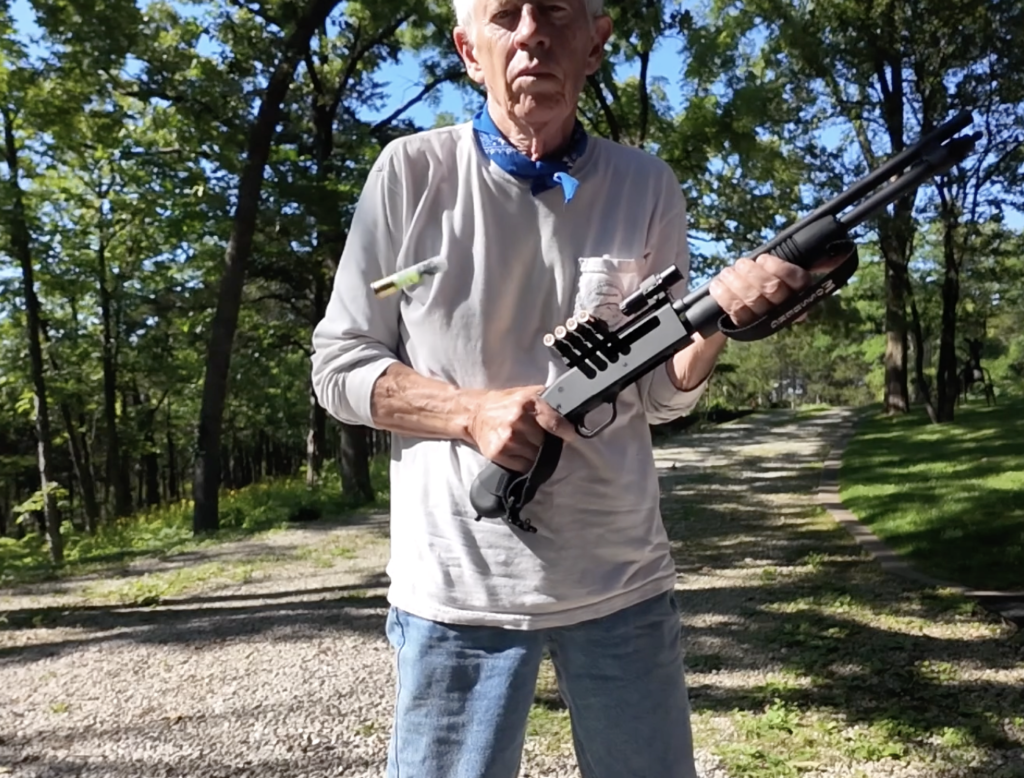
The DJI Osmo Pocket 3 comes with a feature called Glamour Effects. “This tool lets you fine-tune beauty settings ensuring you look your best. It’s especially handy for vlogs, portraits, and livestreams, giving you that polished look without the need for post-editing.”
I tried this feature but couldn’t see the effects (3 min video below), so either I didn’t have the proper setting or it was never intended to work for a 77-year-old geezer. The one exception was the “Teeth” tool. It made my teeth appear noticeably whiter.
I’ve never felt the need to look younger or “better” than I do, and have undisguised pity for anyone that needs hair plugs, cosmetic surgery, or that awful shoe polish-black dye that some men use. So we’ll just move the camera back a bit and dim the lighting for future videos.