
 When Apple introduced AirPods (September 2016) they got the usual ration of shit. Look funny; over-priced; uncomfortable; etc. This year Apple will sell 50 million of these. About $8 billion in revenue. In the last couple of years I’ve seen more and more of these sprouting from ears. People who never tried Bluetooth “headphones” are taking to AirPods. I spotted this gentleman in the supermarket. He said he leaves one in all the time. Forgets it’s there.
Category Archives: Gadgets & Apps
August Smart Locks
From the August Smart Locks website: “Ever forget or lose your keys? Wonder if you locked the door on your way out? Or go all the way home just to let someone in? August Smart Locks take any worry out of getting into your home. Use an app on your phone to control your door to unlock/lock, grant guest access, see who came and left, and let anyone in from anywhere. Simply attaches to your existing deadbolt on the inside of your door – your outside lock stays the same and you keep your existing keys.”
Uses a couple of AA (?) butteries that are easy to access and change. You can still use your key and lock the door manually if you need to.
PS: Sorry about the annoying sniffs. Runny nose.
Light Phone II unboxing
“designed to be used as little as possible” This line from their website best sums up the Light Phone for me. I ordered one in February and it finally arrived.
In praise of AirPods
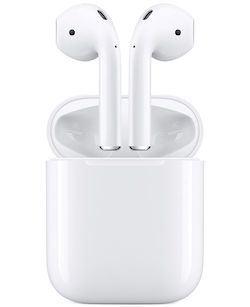 Everyone’s familiar with stories of someone regaining their sight after years of blindness… or getting their hearing back after a lifetime of silence. That’s what came to mind as I started watching movies and series on my iPhone with AirPods (ver 2).
It’s like I’ve been listening with cotton stuffed in my ears. Hard to overstate how getting all of the sound changes the viewing experience.
Halfway through season one of Deadwood and I’m right there in the muddy street, engulfed in the sounds of the camp. Horses breathing, a distant hammering, the full range of Ian McShane’s mellifluous voice.
I’m ruined. I can’t go back to listening to what passes for sound coming from the TV across the room.
Small screens, large screens
I grew up with television, a child of the 50s and 60s. TV screens started off small and got progressively larger. The bigger the screen the better with quality secondary (don’t recall ever hearing the word “resolution” in those days. The family TV was a massive piece of furniture that we watched from across the room. Today, even a struggling family is likely to have a big-ass flatscreen TV. I’m watching less “TV” these days but that might be about to change.
I recently started watching The Wire (again) and got about halfway through the series before Riley showed up. Once she started settling in I went back to the series but on my iPhone this time. I’ve never watched a lot of video (hard for me to call it “TV”) on my phone just because… well, the bigger the screen the better, right? Turns out, not right.
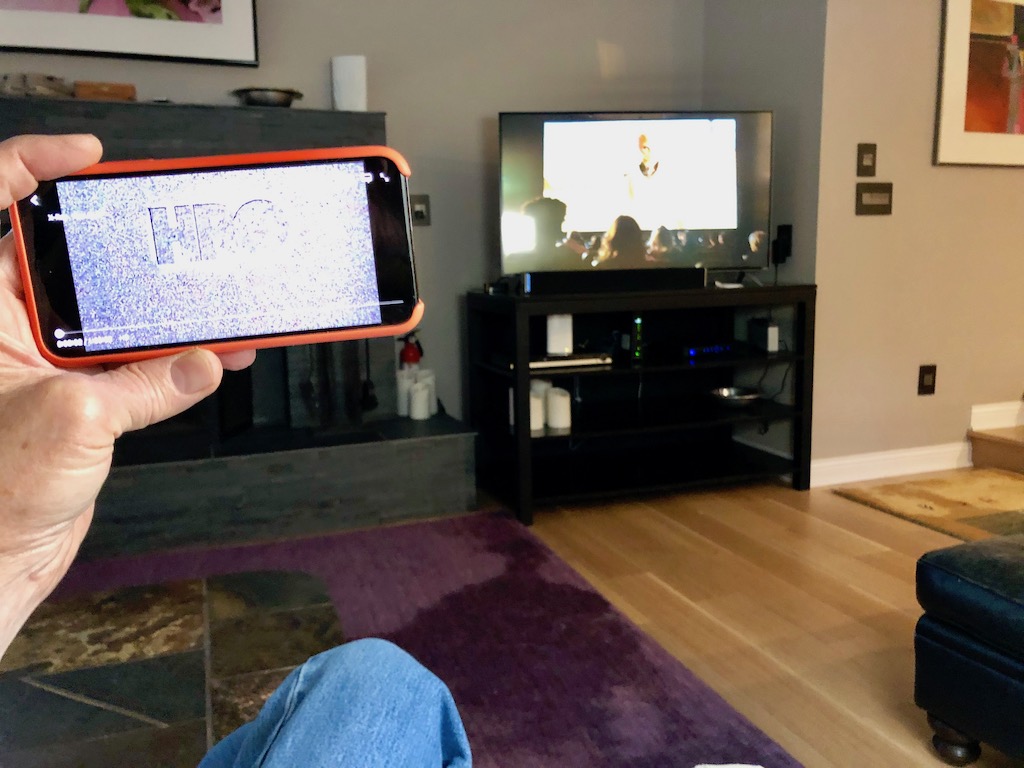
When my phone is in my lap (or on a table), it’s about 18 inches from my eyes. In the photo above the phone is about a foot-and-a-half in front of my face and — as you can see — about the same relative size as the TV across the room. But with much higher resolution and — with AirPods — much better sound.
We have Apple TV and HBO and Netflix but my default streaming source is Amazon Prime which has an excellent app. I’m now finding I watch part of a movie or series… pause… and come back to it. Something I never did before. And my viewing now happens away from the TV room.
This is old news for most of you but something of a revelation for me. I’m find the viewing experience far superior — in many ways — on the phone. Tiny screen for the win.