I left my job at a small town radio station in 1984 (now I’m retired) but I often reflect on what might have been. Had I stayed in “radio.” I had the title of Program Director and was making about $14K in 1984. Whew.
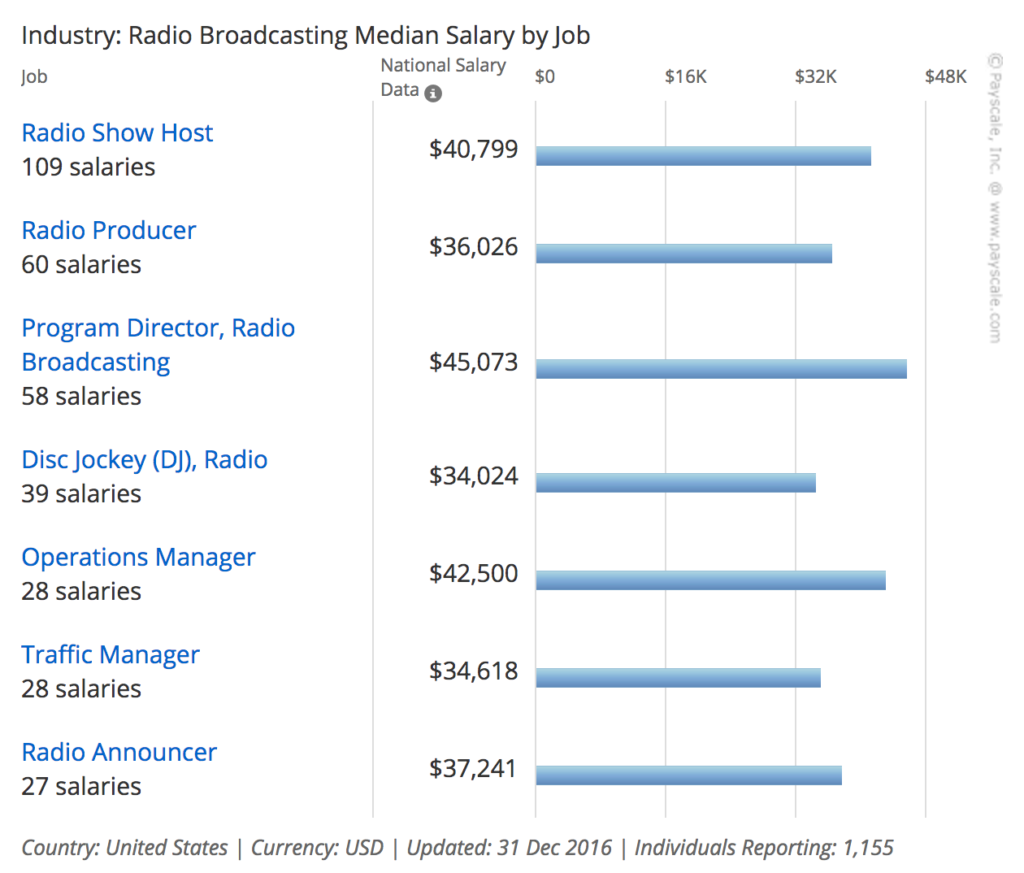

I left my job at a small town radio station in 1984 (now I’m retired) but I often reflect on what might have been. Had I stayed in “radio.” I had the title of Program Director and was making about $14K in 1984. Whew.
Back in the early days of online video, it was (for me) a three-step process. Shoot the video; edit the video; encode the video for uploading to (eventually) YouTube, Vimeo, Facebook, etc. And for a long time, encoding was a Dark Art. Lots and lots of hidden settings that — if properly optimized — resulted in a file that didn’t take 8 hours to upload and still look pretty good when streamed. I think most of that voodoo now happens behind the scenes and we mortals don’t have to think about it.
My net connection is via DSL and while it’s okay (8mbs) coming down, it’s damned slow going up, so even a short video can take a while to upload. To address the problem, I run my videos through a program called HandBrake. HandBrake is a tool for converting video from nearly any format to a selection of modern, widely supported codecs. It converts videos from nearly any format; it’s free and Open Source; and it’s Multi-Platform (Windows, Mac and Linux). And it’s free.
The program has been around for 13 years and I first used it to rip songs from CDs. Don’t have much call for that anymore but along the way I discovered it was really good at encoding video for streaming online. I won’t get into features here except to say the latest version has a bunch of handy presets. Experts can tweak and optimize to their heart’s desire.
I know, I know… this is getting long. I’ll hurry.
Yesterday I recorded a bit of a song I’m trying to learn and wanted to see what kind of video I could get recording directly to my iPhone using the built-in mic. Not all that great. And it was too big to email to my buddy Professor Peter, so I started playing with some of the new encoding presets in HandBrake. They had a few that appeared to be optimized for Gmail.
The original .mov file was about 224MB. The HB preset I usually use took that down to 69MB (1080p30). And the Gmail preset down to 15MB (720p30). I’m thinking, “That’s gonna look and sound like shit.” But when I compared the three, not to bad. Try to ignore the ‘vintage’ filter I mistakenly used (iMovie on my phone). Each of the samples is only 30 seconds.
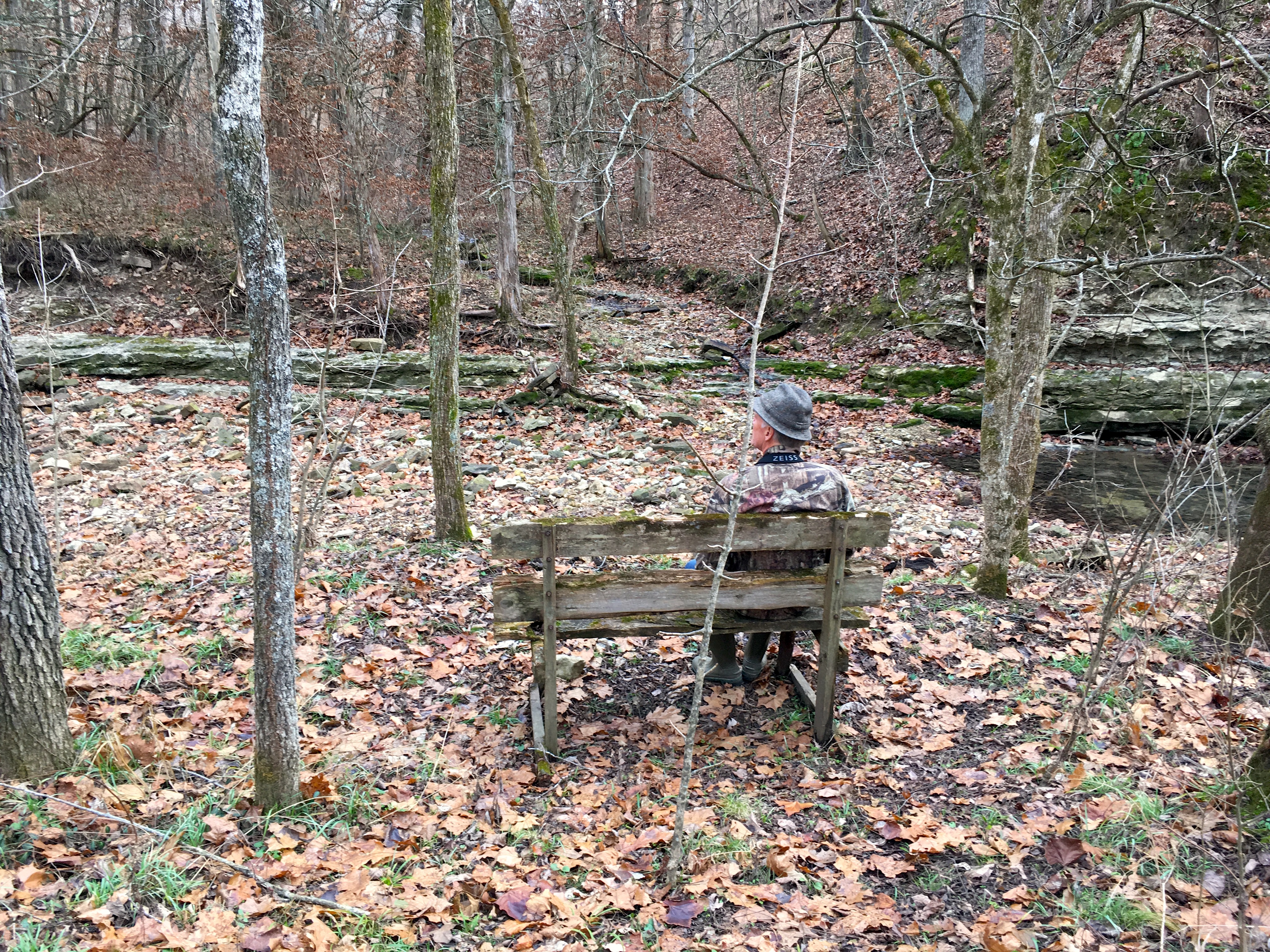
The following images were created using the Prisma app.





I took this picture a few days ago while on a walk with my friend +Henry Domke. Curious what the Prisma app would do with it, I ran it through a few filters (below). While looking at one of the resulting images it occurred to me that someone with the necessary skills and tools could create such an image from scratch. Either digitally or in some more traditional medium. Seeing the image, one might reasonably describe it as “art.”
If that is so, when does the “art” happen, and by whom? I’m reluctant describe a common smartphone photo as art. At least not this one. So did the art happen on the Prisma servers as their secret algorithm turned my photo into something art-ish? If yes, who’s the artist? The smart kids who wrote the code? They never saw my photo so I can’t comfortably call them artists in this instance. Can some lines of code create art (or anything)? Must there be an artist before we can have art?
The two photos below are hanging (with 8 or 10 others) on the wall of a little cafe in Jefferson City, MO. I’ve noticed them before and recall thinking I’d like to scan them but they’re framed and (probably) bolted to the wall. This morning I remembered the PhotoScan app I recently added decided to give it a try. No bad. No glare from the glass. I’ll get some more when the place is less busy.
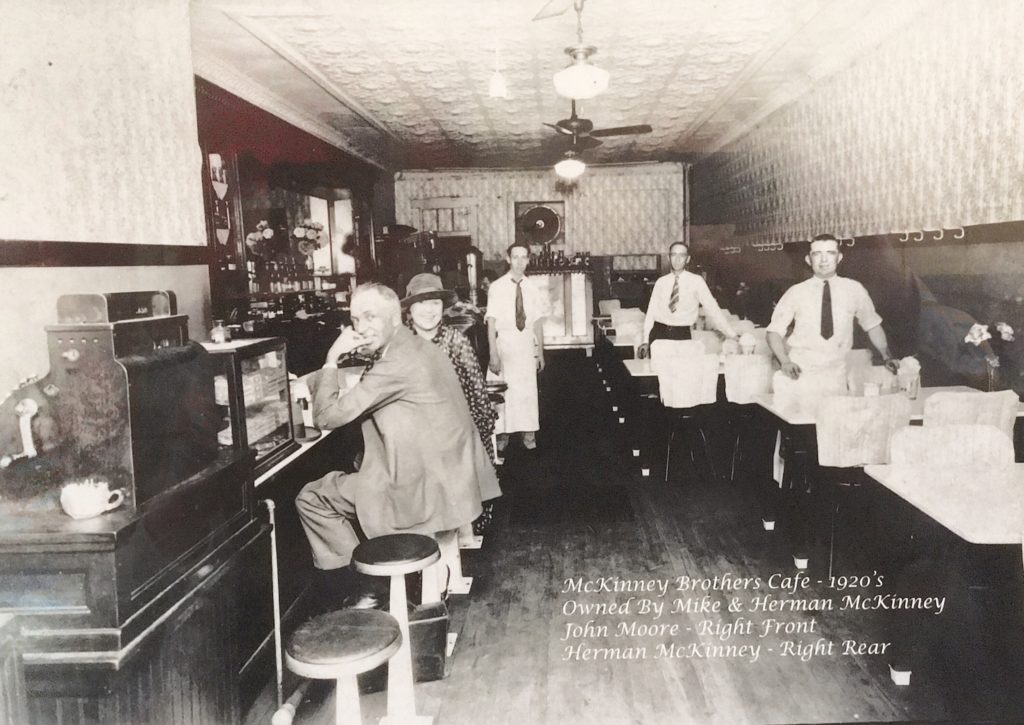
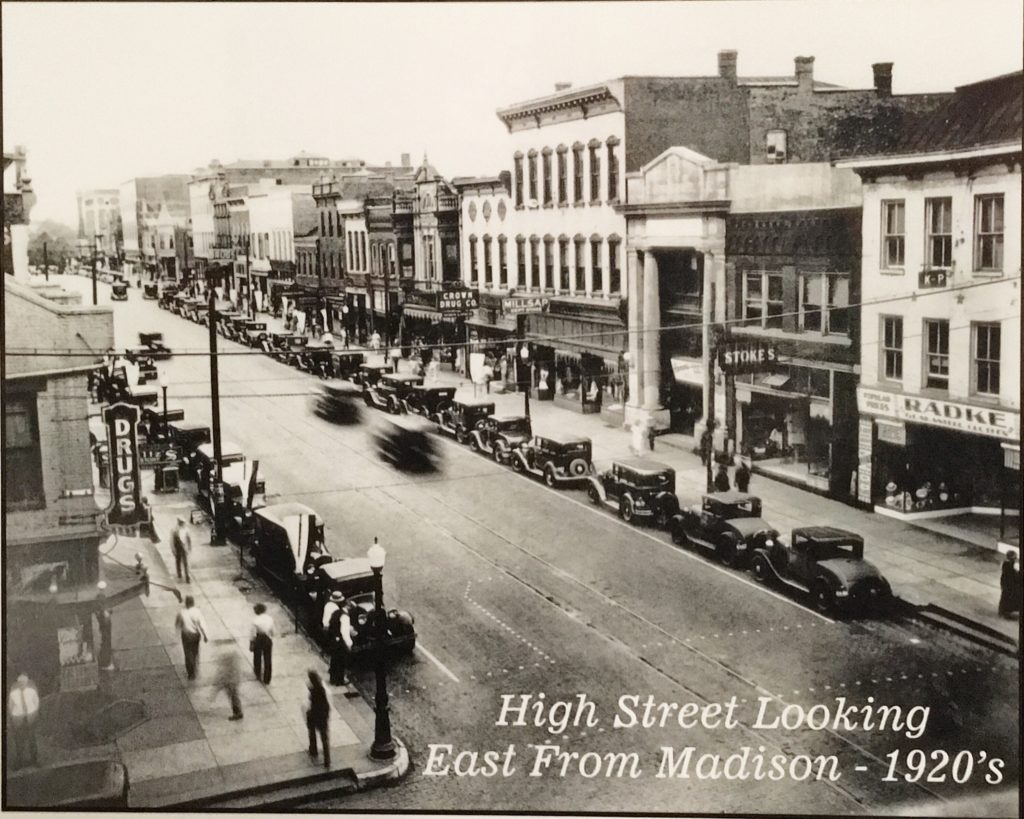
High Street is where the Coffee Zone is located (not on the block shown). The interior shot is the cafe.