
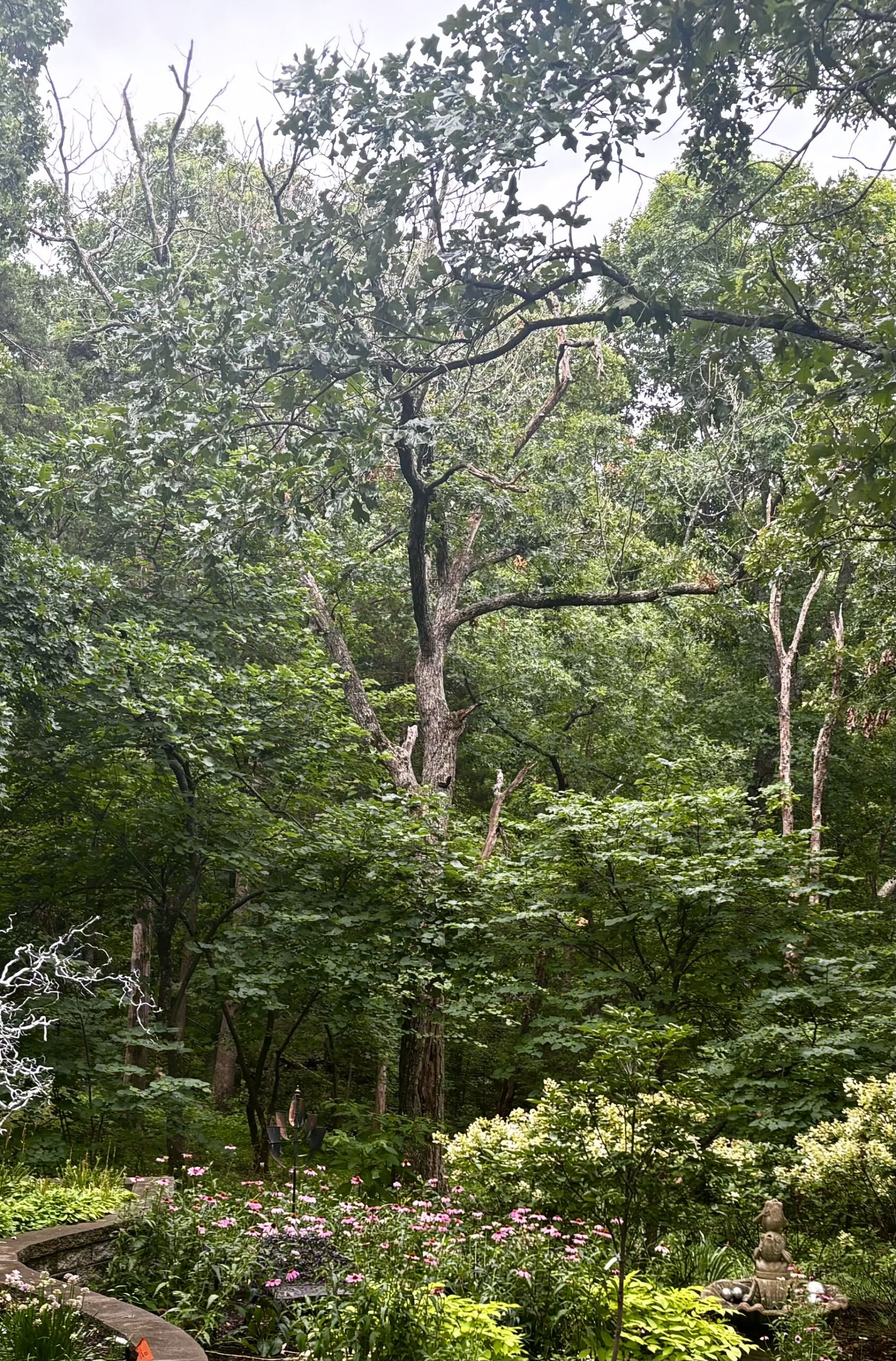
We are fortunate to have many huge oak trees on our property. But it still hurts to lose one. This guy was probably somewhere between thirty and fifty years old but he’d been sick for a long time. It was just too painful to look at so we had the guys from Korte Tree Service administer Last Rights.
Tag Archives: YouTube (Mine)
Jeep windscreen down for the summer
This 10 minute drive doesn’t begin to capture the joy of driving my 1947 CJ 2A on a scorching summer day with the wind in my thinning hair.
Hand me the remote
Pocket 3 Gimbal Settings
The DJI Osmo Pocket 3 has three main gimbal modes – Follow, Tilt Locked, and FPV. Today I shot a few minutes of video with the gimbal in the tilt-lock mode. The tilt-lock gimbal setting is designed to maintain the camera’s horizontal orientation while allowing for panning movements. This mode is particularly useful for scenarios where you want to keep the horizon level, such as when filming landscapes or during activities that involve lateral movements.
It’s hard to miss the up-and-down motion caused by my walking. The solution to this –according to most of the videos I’ve watched– is the “ninja walk.” A bent-knee, heel-to-toe walk that is supposed to keep the camera level. Don’t think I’m going to be doing that in public.
The follow mode is the default mode and suitable for most shooting scenarios like vlogs and selfies. The pan and tilt axes are unlocked, allowing the camera to follow your movements left/right and up/down. However, the rotation axis is locked, preventing the camera from rotating/twisting around its own axis.
The two minute video below was shot with the gimbal in follow mode but I’m not sure that was the best setting. There are several places where the video is jerky (when compared to what I get with the iPhone). This is very likely operator error.
DJI Osmo Pocket 3: Barb’s Garden (May 2024)
The DJI Osmo Pocket 3 has scores of features and hundreds of settings but I’ve been reduced to just capturing a few minutes of straight-on video. (I’m just guessing about the number of features and settings because I’m still discovering new ones every time I turn the camera on)
All of those options allow one (who knows what they’re doing) to create amazing cinematic shots. If you don’t know how to configure and use this camera, it is frustrating. Even with countless how-to videos on YouTube. I’m determined to get comfortable with this camera but I know there will be times when I’m tempted to just grab my iPhone and start recording. Shoot, I haven’t scratched the surface of what the iPhone camera can do. This is probably what it would feel like to take your first flying lesson in an F35.