
All my health data on iPhone app

I’ve never paid much attention (or used) the Health app on my iPhone. Apple says it “consolidates health data from iPhone, Apple Watch, and third-party apps” to do all kinds of stuff. It has a “Health Records” section that I never did anything with until a couple of days ago when I learned I could sync my records (University of Missouri Health Care) to the Apple Health app.

I have about ten years of records stored in the MU Health system and can get to them via browser or iPhone app. But it took a little digging and I rarely had the need.
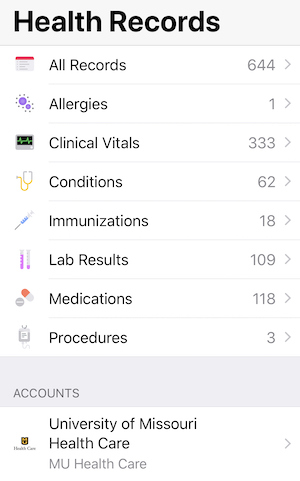
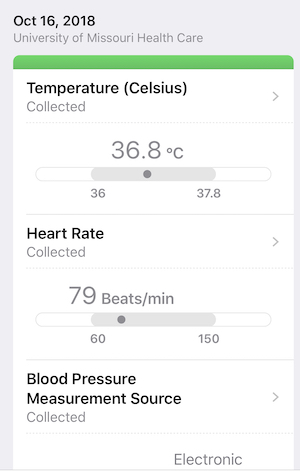
Within minutes all of my data was pulled into the phone app and I mean everything. More than 600 records (I’ve been pretty healthy). Immunizations, lab results, medications… the works. And much easier to navigate than the website and app I’d been using. So now I have all of my health records right there on my phone. Additional info.
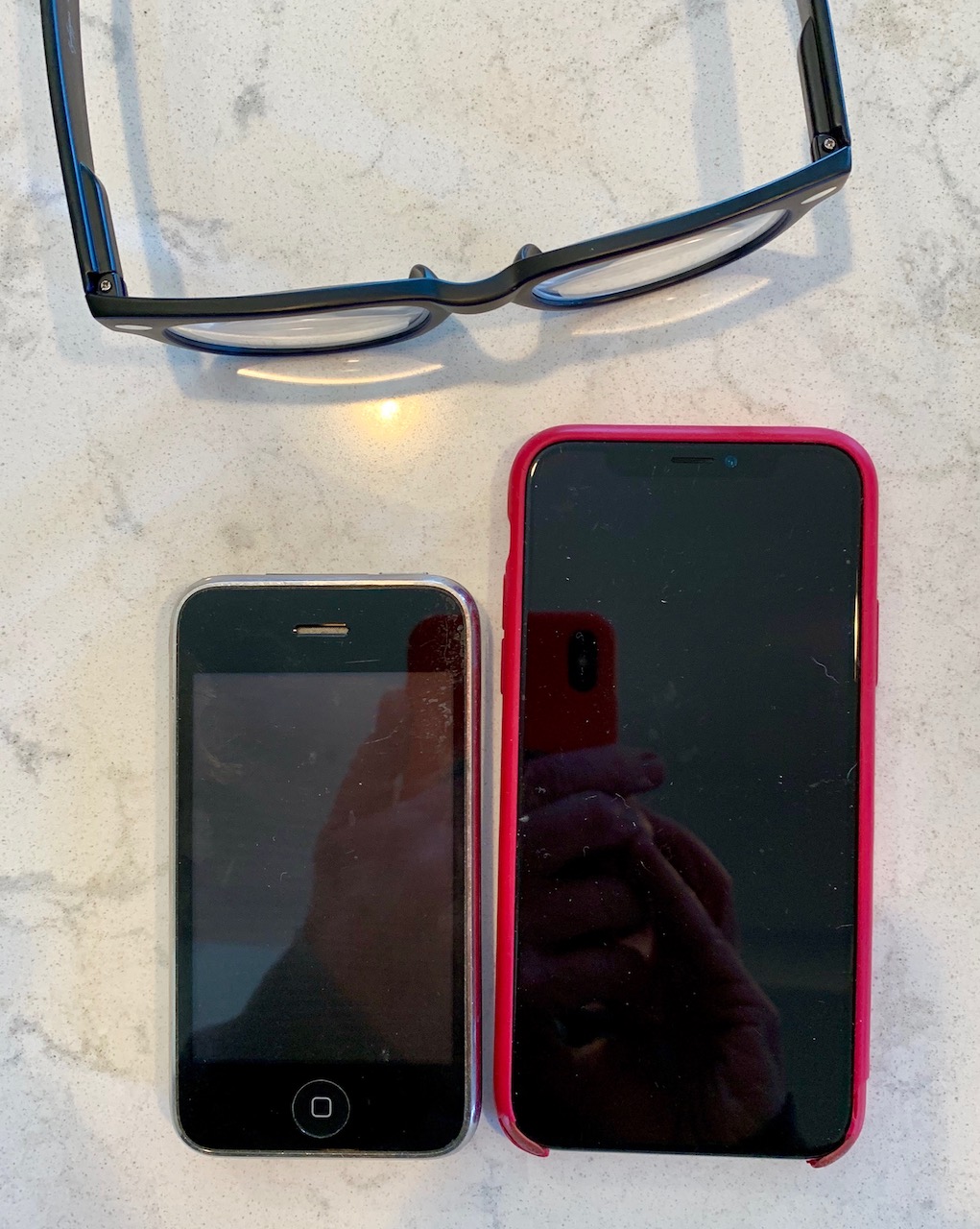
Ten year old iPhone

The phone on the left is a 3GS from 2009. Fits the palm of my hand. Barb found it in the back of a drawer. I’d forgotten how small the early phones were (the phone on the right is a XS). I still prefer the smaller phones but that ship has sailed.

TextGrabber

I’ve been using this app for years and thought I had posted on it previously but didn’t find anything. Pretty sure there’s an old screencast on YouTube but they’ve made numerous improvements. And I wanted to try out the screen recording feature in the new iPhone. More on that in a moment.

When I come across a long-ish passage in a book or magazine that I’d like to save, rather than just snap a photo, TextGrabber does some kind of OCR (optical character recognition) magic and gives you editable (and searchable) text.

As an aside, the screen recording above was done on the iPhone XS. Making screen recordings has gotten easier over the years but it was still a minor hassle to capture the screen on your phone. No longer. This feature is built right into the iPhone and it works great.

Face ID

From day-one I was happy with the iPhone’s Touch ID. So I was skeptical when Apple eliminated the home button (and Touch ID) and replaced it with Face ID. But works as advertised. It works so well I forget it’s working. And I guess I don’t care that much how it works. From iMore.com:

Face ID uses multiple neural networks that are built into the dual-core A11 bionic neural engine to process the facial recognition data. It takes a mathematical model of your face and checks it against the original scan of your face that you first registered.

The information is stored on the A11 chip on your iPhone X and not sent to Apple’s servers, so your facial identity is kept private.

It uses a Require Attention feature in order to work. That means you have to be looking at your iPhone for it to scan, You can’t be asleep or looking away for it to unlock your iPhone. […] It doesn’t work with photographs. It doesn’t work while you’re asleep. It doesn’t even work with detailed silicon masks that look just like you.

I tried to think of a way to make some sort of screencast to show how well this feature works but… there’s almost nothing to show. When my phone ‘sees’ my face — and only my face — it unlocks.

Screen Time

I’m fascinated by this new iPhone feature. Here are some of my stats for last 7 days:

  • 1 hr 14 min per day ‘on’ phone
  • Messages – 48 min/day
  • Gmail – 39 min/day
  • Google – 20 min/day
  • Phone – 20 min/day
  • YouTube – 19 min/day
  • Picked up my phone 268 times (avg 38 per day)

I think I’m probably a very light user. I’ll bet a lot of people would be shocked to see how much time they spend.