
The casting director said I was too old and wrinkled to stunt double for Tommy Lee Jones. More fun with Prisma.


The casting director said I was too old and wrinkled to stunt double for Tommy Lee Jones. More fun with Prisma.






“Turn Every Photo into Art Using Artificial Intelligence. Prisma transforms your photos into works of art using the styles of famous artists: Van Gogh, Picasso, Levitan, as well as world famous ornaments and patterns. A unique combination of neural networks and artificial intelligence helps you turn memorable moments into timeless art pieces.”
I would have said photo filters apps were pretty much over but Prisma is fun. And the filters are… more interesting? … than the other apps I’ve played with. These are just a few and the latest version of the app was very fast on my iPhone.
I’ve been searching for a better way to record video chats and found my way back to the eCamm website and Call Recorder for FaceTime. I used Call Recorder years ago but was not aware they had created an app specifically for FaceTime. The app cost $30 and that’s a non-starter for most folks but I’m impressed with this little app. George Kopp and I were both using FaceTime from the desktop but this would have worked fine had he been on his iPhone.
Call Recorder also records audio phone calls. When someone calls my iPhone, I have the option of answering the call on my MacBook (if both are on same wifi network). I can then record the call using this app. Sample below.
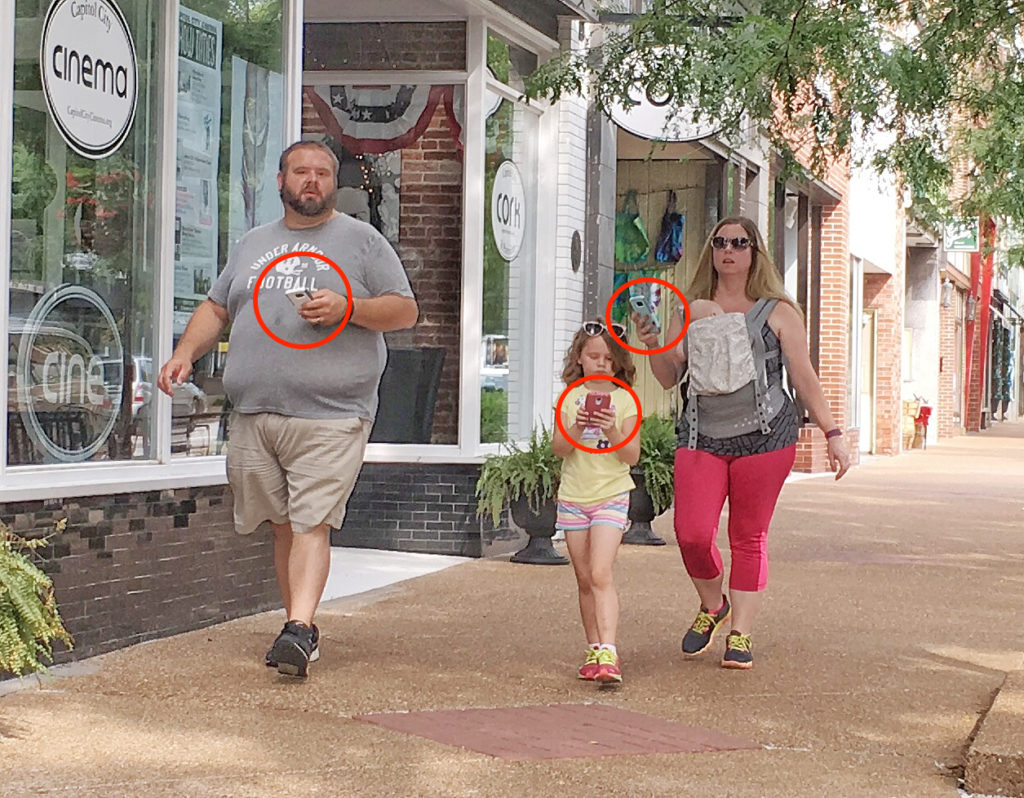
I’ve been creating some short screencasts to help a friend transition from Windows to a new Chromebook. This includes some iOS apps. As I get ready to show him the Google Calendar app, I’m reminded of the calendar I saw on his refrigerator. It’s the “family calendar” where everyone keeps up with who’s where.
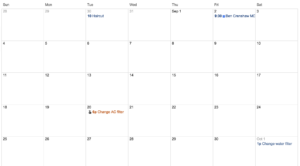
This got me thinking about the seven columns/four rows layout of calendars. I always took this for granted until I started using the “schedule” view in Google’s iOS app (see GIF below). This linear, flowing presentation makes perfect sense on a smart phone where you can endlessly scroll (or search). And the 7-by-4 layout of paper calendars don’t work as well on smaller screen.
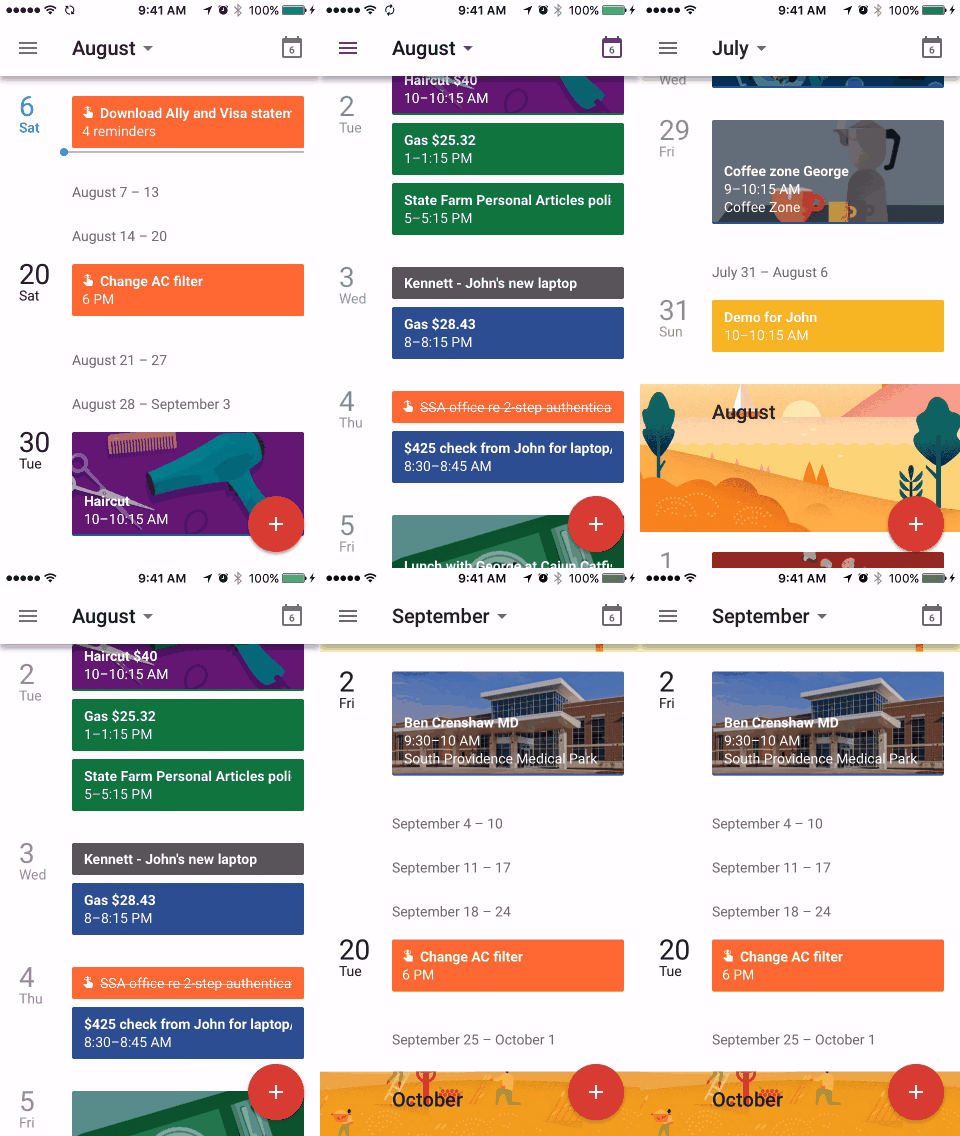
The 7-by-4 layout makes sense if your calendar is printed on a sheet of paper (as it has been for hundreds of years). And if we’re going to share the calendar, we have to be looking at the same piece of paper. Not so in a cloud-connect, smart phone world.
In front of my laptop, I still opt for the month view in Google Calendar but I’ve gotten used to the schedule view on my phone. Will the 7-by-4 view be with us always or will it become a quaint anachronism for those who never knew anything but smart phones?
My first thought was… hoax. But this looks like a real thing. (So don’t tell me there are no jobs out there to be had.) With two big Goldens, picking up poop is a daily ritual for me. One that I enjoy. I have good tools and a little plastic bucket. One swing around the yard and I have made the world a better place.
But paying someone to pick up my dog’s shit? No. Wrong. If you’re not willing to pick up Fido’s load, you don’t deserve to have a dog. The end.
My friend John has a desktop Windows computer that is infested with malware and update demands. He asked my advice on cleaning it up and I suggested he junk it and get a Chromebook. He agreed and asked me to help so (with the assistance of +George Kopp) I ordered an Acer Chromebook 14. This week I’m headed south to deliver and help make the transition from Windows to Chrome OS.
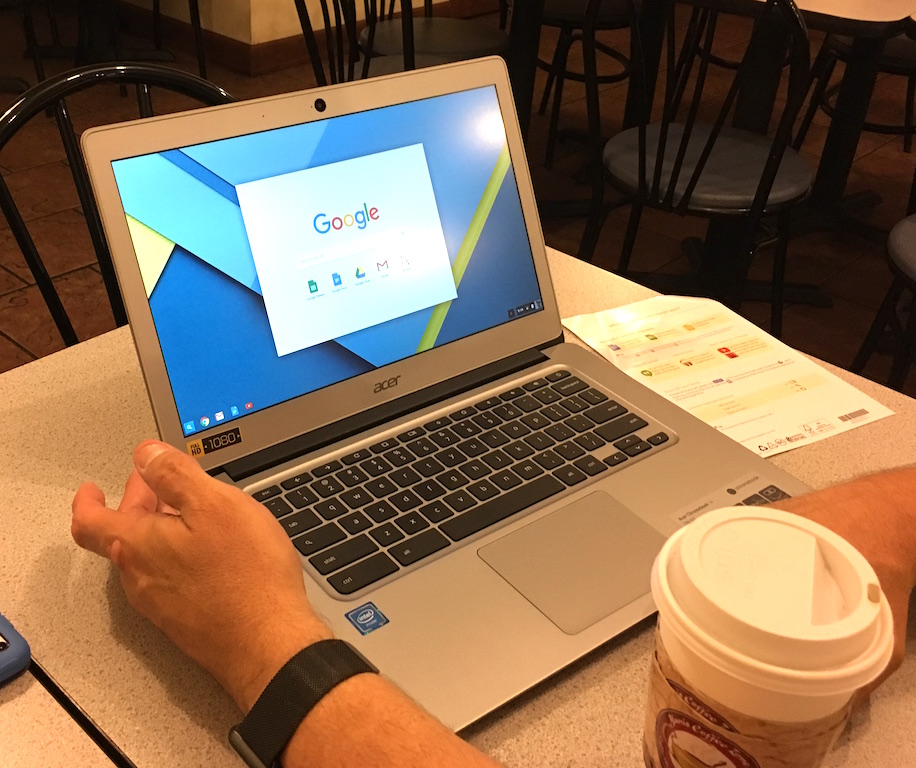
I signed up to test the early Chromebook from Google and they sent me one to play with (and keep). This was in 2011? It was a good box and had I not already purchased a MacBook, I could have been happy with the Chromebook. The new hardware and software is even better.
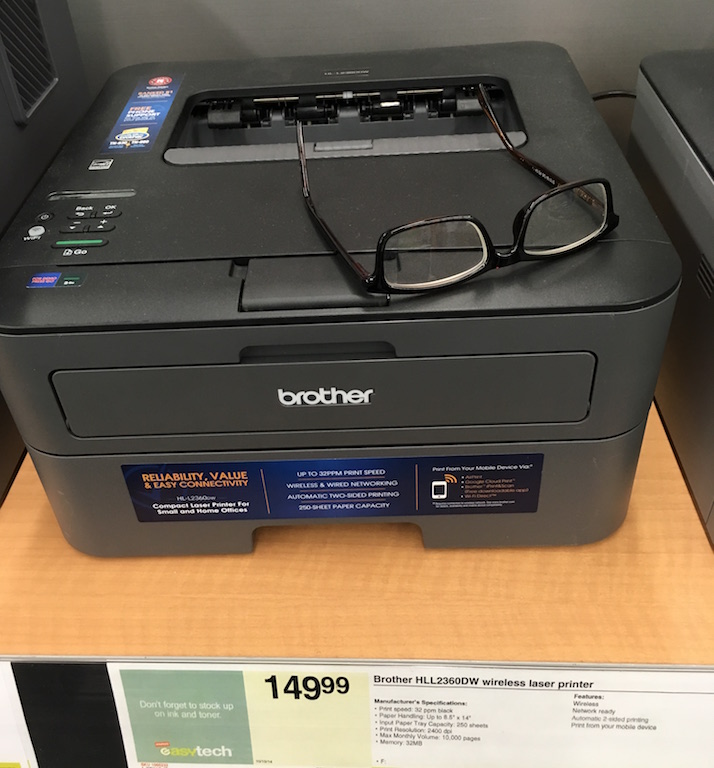
He asked me to get him a new printer and George recommended a Brother HLL2360DW wireless laster printer. Again, very impressed and only $150. For less than $500 my friend is getting a new laptop and printer. Not bad. And the printer does Google Cloud Print. Nice.
No more malware. No more constant updates (automatic in the background). Thank you Chrome OS.
Google has a million little shortcuts like this but I’m damned if I can remember to use them. Key in “my reminders” in the search box and Google pops ’em up.
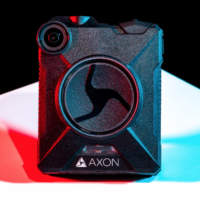 “Taser plans to roll out live-streaming capabilities in 2017, and he expects facial recognition to become a reality someday so agencies can query police records or social networks in real time. An officer could patrol the Las Vegas Strip with a camera streaming to the cloud, “and there is real-time analysis, and then in my earpiece there is, ‘Hey, that guy you just passed 20 feet ago has an outstanding warrant.’”
Or that the guy you pulled over because he has “a wide nose” has NO outstanding warrants.
“The basic Axon camera must be activated manually, but departments can buy Axon Signal, which activates the device automatically in certain situations, such as when an officer flicks on the light bar on his car. For $10 per officer per month, another Taser service links Evidence.com files with existing dispatch and records software, so officers no longer need to individually tag files for retention or risk having an untagged file automatically deleted.”