I’ve been using Google Calendar since its public launch in the summer of 2009. Use it for damned near everything. Any big expenditure with link to a receipt/invoice in Drive.
I’ve been thinking about the difference between blog posts and diary/journal entries. My 6,000+ blog posts, going back 20 years, were written with the idea somebody might read them. Not so with a diary entry. Private, just for me.
I took a run at this kind of journaling pre-internet. Hand written notes in a 3-ring binder. Didn’t stick with it. A few years later I started using Day-Timer planners and kept at it for 15 years. (Seven years ago I transferred a lot of those entries to Google Calendar.) I’d occasionally add a personal note or observation to the meetings and appointments.
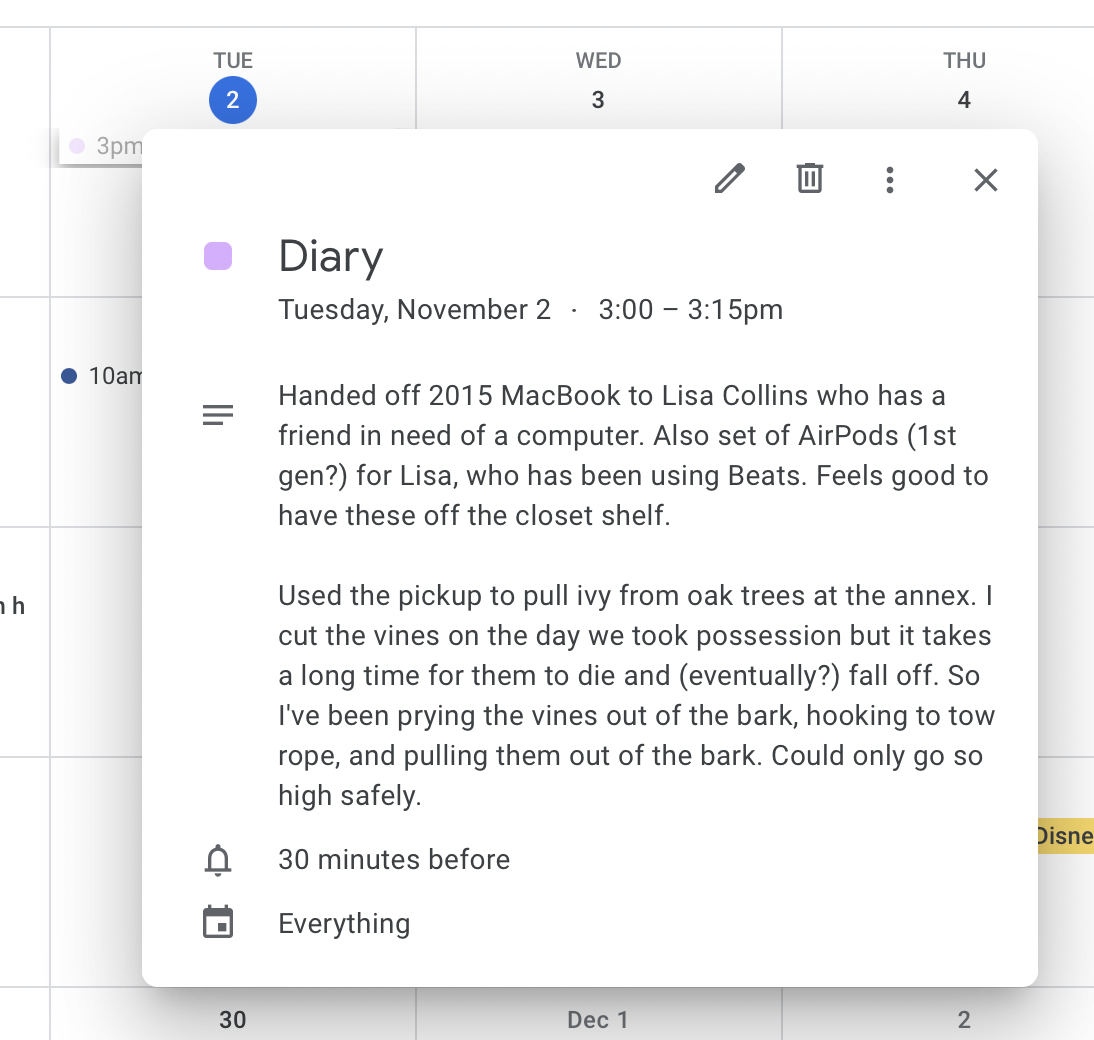
A few days ago it occurred to me Google Calendar would be a good place for this kind of casual note. I slug each entry with “Diary” for easy searching. Of course, I can search for any word or phrase in the entry. Almost no friction here and I’m in Calendar daily.

 Like everyone else, I am constantly bombarded by telephone spam calls. Blocking the numbers does no good because they have an infinite number of bogus phone numbers.
 I’ve never been a fan of the ever-larger phones so I almost pulled the trigger on one of the new iPhone SE’s Apple announced last week, until my buddy suggested I take a look at the iPhone 13 mini. Didn’t know there was such a thing but it was just what I was after. Smaller phone with lots of features. Arrives tomorrow. (The photo compares the 11 and the 13 mini)